QuantumCat/Features/Brokers & sessions
Brokers & sessions · 17 of 18
Four brokers, one terminal.
Zerodha, Dhan and Angel One — plus Groww in beta — each modelled as it actually behaves, with your keys in an encrypted vault on your own machine and your positions pinned to the account that holds them.
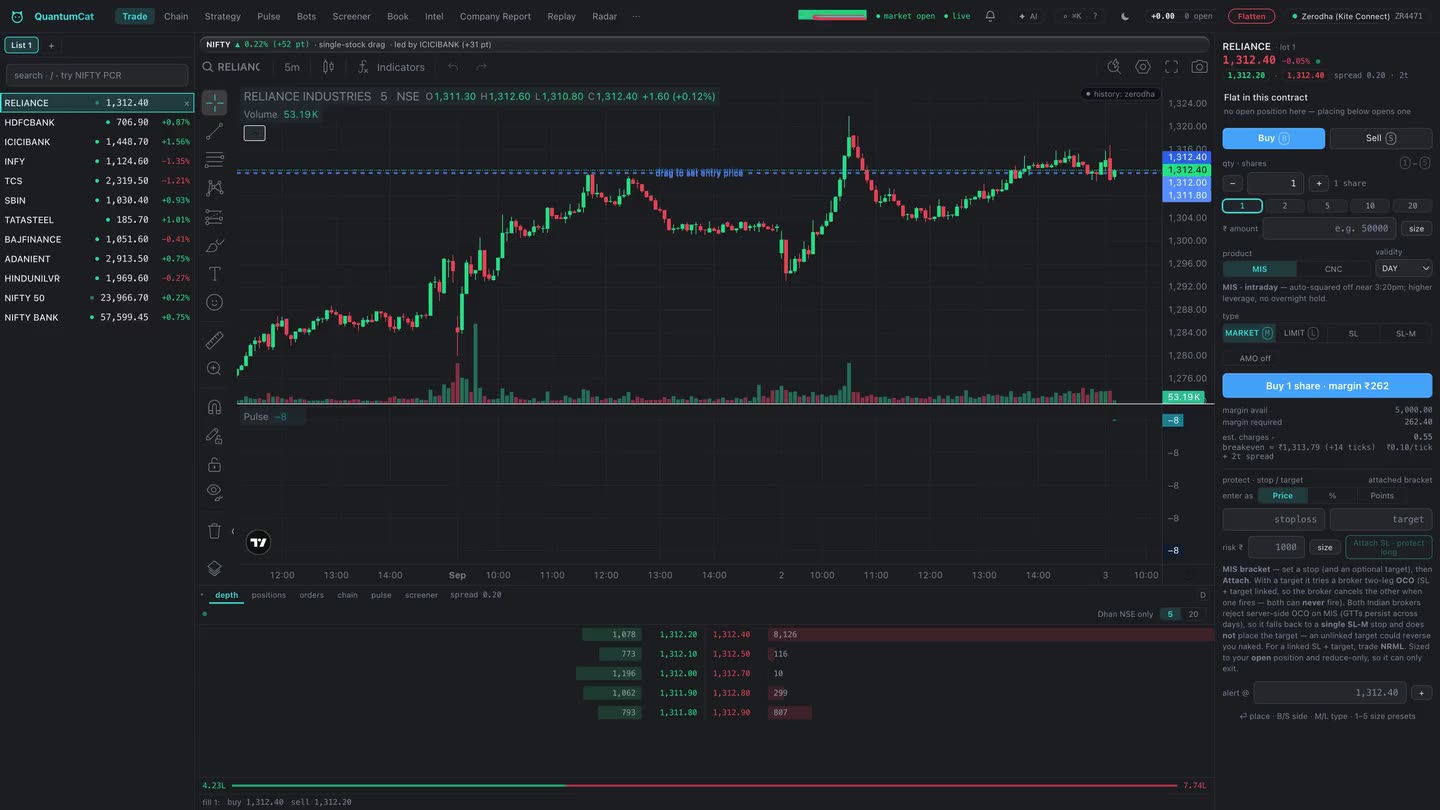
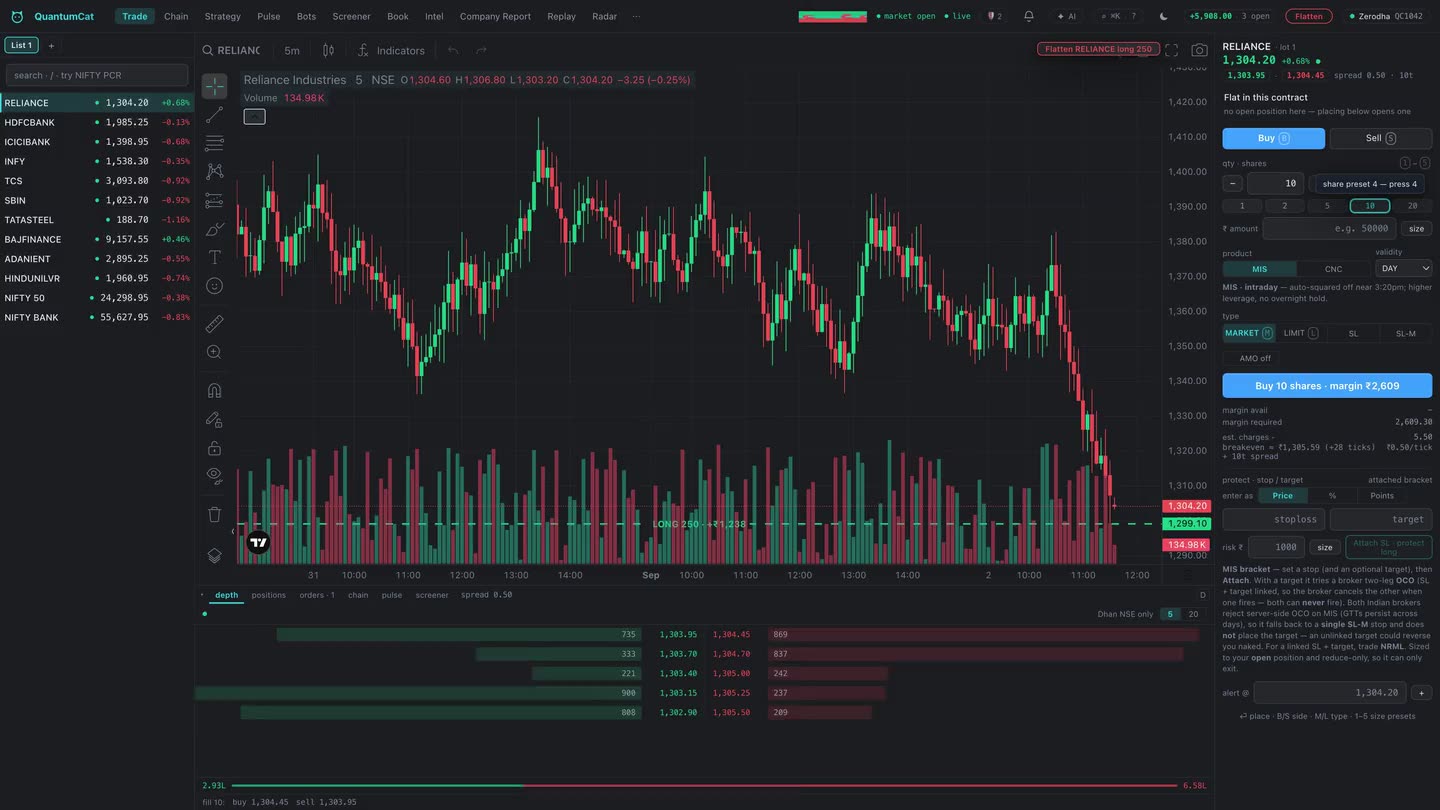
What QuantumCat is0:22 · narrated · real build
Four brokers, one terminal
| Broker | Sign-in | Notes |
|---|---|---|
| Zerodha (Kite Connect) | Browser redirect — user ID, password and TOTP are typed on Kite’s own page, never in the app | Needs an API key + secret from your Kite Connect app. |
| Dhan | Access token | The only broker serving 20-level depth today (NSE/NFO). Forever orders back standing triggers. |
| Angel One (SmartAPI) | Client code + MPIN + TOTP | Needs an API key. GTT support differs; the app states what each broker can and can’t do rather than pretending they’re identical. |
| Groww (Trade API) — beta | API key + secret; the key is approved on Groww’s own page each trading day | NSE/BSE cash and F&O, no commodities. No published live socket, so prices are polled once a second. No broker-side standing orders in this version. |
Groww is labelled beta, and here is exactly why
The Groww adapter was written from the official Trade API documentation and the live instrument master, with every wire table pinned by a test — but it has not yet been run against a live Groww account, so nothing has been observed on the wire. The label stays until it has. Where the documentation is silent the adapter refuses rather than guesses: no standing triggers, no after-market-order flag, commodity rows dropped rather than approximated.
Two consequences worth knowing before you rely on it. Groww requires the API key to be approved on its own page every trading day — that is Groww’s rule, not a bug, and the app retries every few minutes without counting the wait as a failed sign-in, then signs in by itself the moment you approve. And there is no overnight protection from Groww in this version: day stop orders expire at the close, the app’s own exits work only while it is running and the market is open, so a carry stop belongs in Groww’s own app.
Modelled as it behaves, not as a template
The app models each broker’s actual shape — which order types it accepts, whether it serves 20-level depth, how it does standing triggers, what its sign-in flow is — and adapts the UI to it. A control a broker doesn’t support is disabled with the reason, not silently ignored.
Your keys stay on your machine
API keys and secrets go into an encrypted vault on your own machine — AES-256-GCM, inside QuantumCat’s own data folder, readable only by your user account. They are entered once, never synced, and never sent anywhere except your broker.
Passwords and TOTP for the browser-redirect flow are never typed into QuantumCat at all — that happens on the broker’s own page. And the assistant, however you ask it, has no path to your credentials.
Sessions, honestly reported
- Token expiry is shown before it bites an order, not after — the sessions panel carries the live state per broker and how long today’s token has left.
- Full-auto daily sign-in can mint the day’s token for you, with its health reported beside each broker.
- A broker outage is not a wrong password. A 5xx from the broker during token validation is treated as ambiguous and the day’s still-valid token is kept — it is never deleted because someone else’s gateway hiccupped.
- A status read that fails says “unknown”, not “signed out”, and never “flat”.
Numeric tokens don’t collide across brokers
Every broker numbers instruments in its own space — a Zerodha instrument token, a Dhan security id, an Angel symboltoken and a Groww exchange reference are independent, colliding spaces. QuantumCat keeps them separate everywhere it matters: an order, a position, a stop or a price is always resolved against that broker’s own master, qualified by exchange. A position opened on one account is pinned to it, so a later account switch can never query, trade or flatten it on the wrong one.
SEBI-era plumbing, handled
SEBI gates API order endpoints on an IP registered with the broker (charts and live prices are exempt). The app detects your current public address, shows it for copying into the broker console, and re-reads it through the broker’s own connection after sign-in to tell you if it changed. If your address moves — a mobile hotspot, some fibre plans — a fixed-IP relay can be configured so you trade from one registered address on any network. A malformed relay blocks orders loudly rather than being silently ignored.